


One projector • 6-foot screen • One rear powered speaker • Wireless lavalier microphone
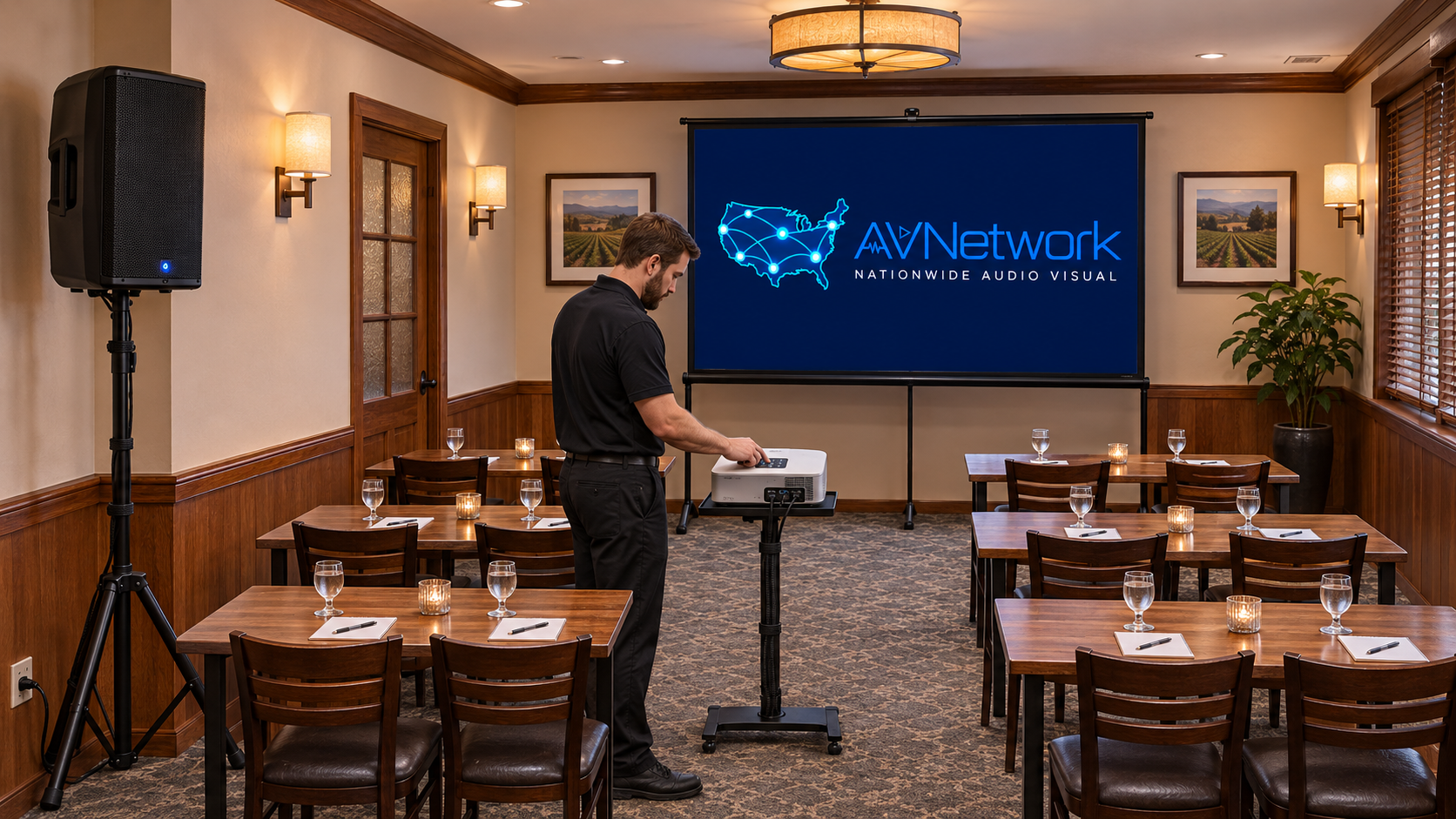 The technician checks the projector and screen before guests arrive. For a presentation in a private restaurant room, set the screen at the front and place the powered speaker in a rear side corner. With the speaker behind the audience, aim it across the seats and away from the presenter’s microphone as much as the room allows. Check for feedback with the presenter in their actual speaking position before opening the room. 1. Check the room and set the screen
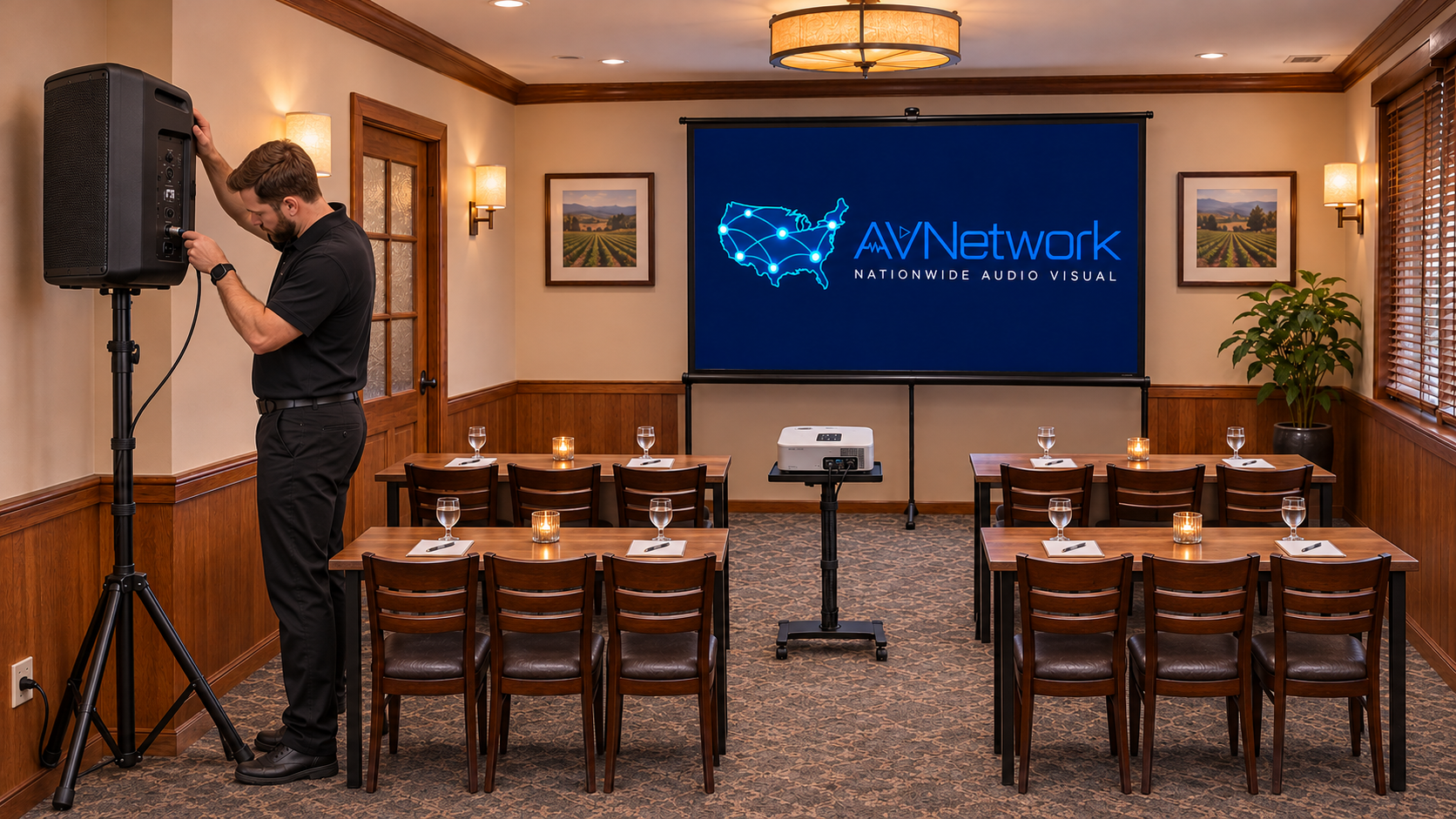 The technician checks the speaker connection at the back of the room.
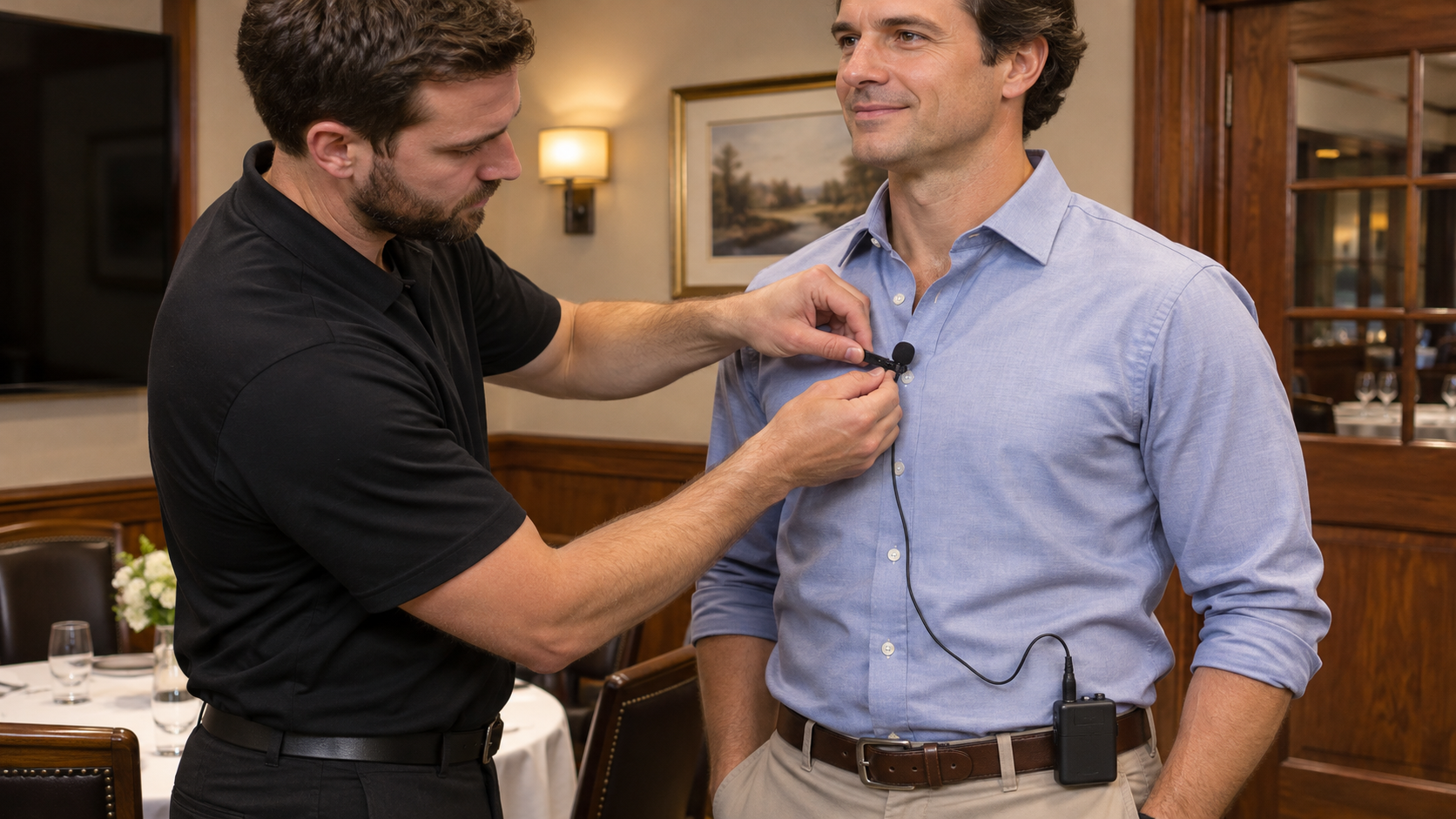 Clip the lavalier at the upper chest where clothing and jewelry will not rub against it.
- Confirm the room layout, power outlets, and the presenter’s position with the venue contact. Keep exits, doorways, and servers’ paths clear.
- Set up the 6-foot screen at the front. Lock the stand or frame, and check sightlines from the back and sides.
- Place the projector on a stable stand or table. Aim it at the screen and use the projector’s throw range to set the distance. Connect the laptop via HDMI, select the correct input, and square and focus the image.
- Open the actual PowerPoint deck and check that the smallest text is readable from the farthest seat. Test the clicker and any embedded video. Dim the lights nearest the screen if needed.
- Set the speaker securely on its stand in a rear side corner. Keep the tripod and cable runs clear of chairs, doors, and service paths. Use a cable cover wherever a crossing is unavoidable.
- Aim the speaker across the audience seating. Avoid aiming it directly at the presenter. Start at low volume and listen from the seats nearest the speaker and at the front of the room.
- Connect the wireless receiver’s audio output to the powered speaker’s input, or use a small mixer if you also need laptop audio. Match the receiver output level to the input setting. Use a balanced connection when the equipment supports it.
- Use fresh or fully charged batteries. Scan for a clear channel if the system supports it, then sync the bodypack and receiver.
- Clip the mic near the center of the upper chest. Leave slack for movement, secure the cable, and clip the bodypack to a belt or waistband.
- Have the presenter speak and turn naturally while you raise the volume gradually. Walk the seating area and listen for clothing noise, wireless dropouts, uneven volume, and ringing.
- If you hear ringing, lower the level and adjust the aim. If you can’t get clear speech at a comfortable volume, relocate the speaker or switch to a handheld mic the presenter can use close to their mouth.
- Check that the presentation is sharp and that the clicker works from the speaking position.
- Test the lavalier with the presenter and verify the mic mute. Test laptop audio through the PA if the deck uses it.
- Walk the server route again and check the cables. Keep spare batteries, a backup microphone, and a spare HDMI cable at the tech table.